
Every client file in one place, shared only when you say so
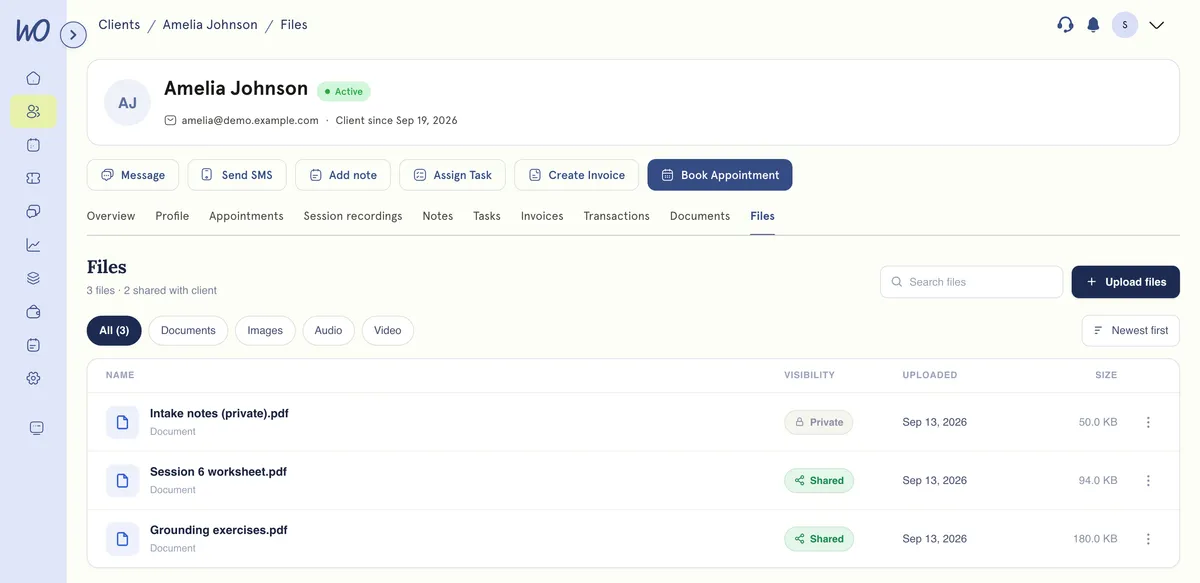
Upload to the client’s record, name it so you can find it, and decide file by file whether they ever see it.
A shared file is not just a hard-to-guess link
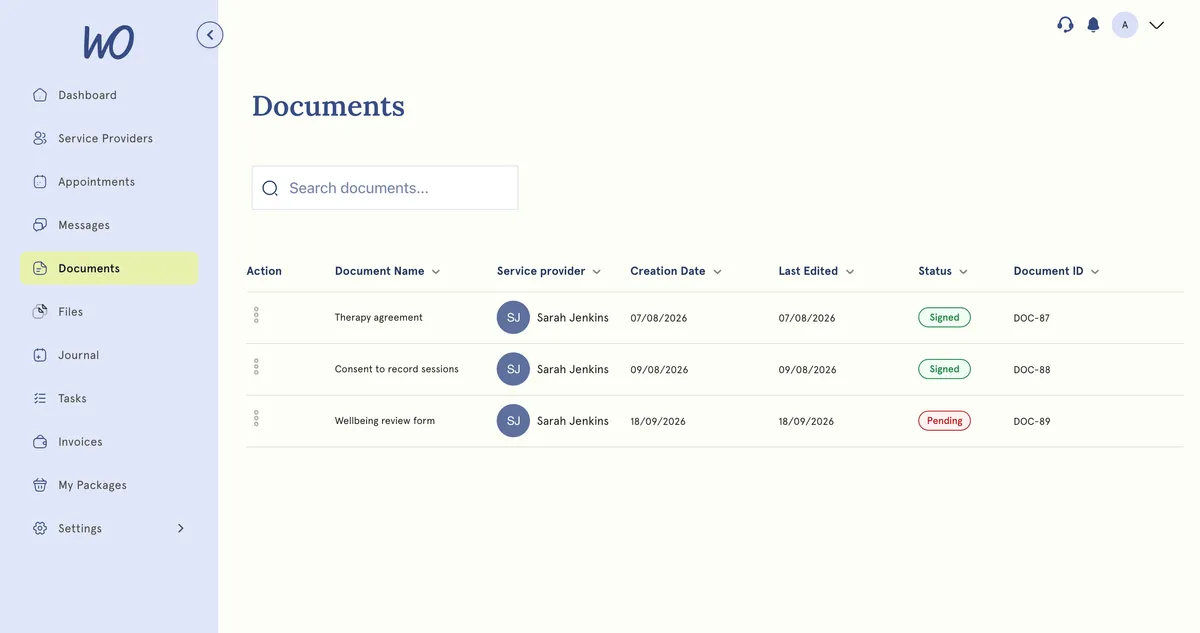
The client sees only what you’ve shared, in their portal. Each download mints a fresh link that works for five minutes — after the request is checked against the client the file belongs to. Un-share, and it stops now.
Client since Jan 2026
One record, and everything about them is on it
Files aren't a separate system to remember. They're a tab on the record that already holds sessions, notes, invoices and documents — so “what do we have for this person” is one page, not four applications.
Upload against the client, not into a folder
Give it a display name on upload so the list reads as documents rather than filenames. Documents, images, audio and video — rename, re-share or delete any of them later.
A shared file is not just a link that is hard to guess
The file's permanent address is never given to the client. Each download mints a fresh link that works for five minutes — only after the request is checked against the client the file belongs to.
Shared by Hannah · PDFDownload
Nothing is ever a permanent link.
You can see what you are keeping
Metered and itemised. The breakdown shows what's actually taking the room — usually session recordings, not the paperwork people assume.
From inbox to record in a minute
Upload against the client, not into a folder.
Next to their notes, appointments and invoices.
A display name you choose, not IMG_4471.HEIC.
Private by default. Switch sharing on per file, now or later.
A fresh five-minute link, only after the ownership check.
The filing, handled
Referral letters, scans, plans and consent — on the client, named, and shared only when you choose.
Real practitioners. Real results.
“The coaching session changed how I view my practice. I've increased my revenue by 30% while working fewer hours.”
Individual result. Outcomes vary by practice.Psychotherapist, UK
“Finally, a system that doesn't feel like it's designed for a hospital. It's clean, fast, and my clients love it.”
Counsellor, SA
“The GDPR compliance features take a huge weight off my shoulders. I can focus on my patients again.”
Clinical Psychologist
Frequently asked questions
Something else? Book a 20-minute demo.
Not through Files today. Clients view and download what you share; uploads come from your side. Ask for a document in a message or collect it on a form.
Explore more of MyWellOps
One platform, so the next thing you need is already in it.
See it on the shape of your own practice
Book a short walkthrough and we'll set up your services, calendar and booking page with you — so you leave with a practice that already works.