
You hold space for every family. Let us hold the paperwork.
MyWellOps brings your bookings, contracts and invoices into one calm place, so your evenings go back to your own family.
- 7-day free trial, card needed to start
- Free plan available

From 38 weeks
On call from 38 weeks. Admin at midnight.
Weeks with your phone never quite off, a bag by the door, and someone at home taking over bath time when a family rings mid-dinner. Then, once baby is here and you've done the debrief, the business side is still waiting.
- A contract to send to the next family
- A birth preferences form to chase
- A balance to ask for, months after the deposit
- Postnatal visits to fit around everyone, including your own children

Every family's journey
One place for every family, from first chat to last visit
Everything stays on one profile, from the first message to the last postnatal visit.
- First chat. Families find you through your MyWellOps website or booking link and book a free first chat at a time that suits you.
- Booking. They book a single visit or a package of sessions and pay by card, so there is no awkward conversation about how to pay.
- Paperwork. Your contract, consent and intake forms are signed online and saved on the family's profile.
- Antenatal visits. Visits are booked in your diary with automatic reminders, so nobody has to remember at 2am.
- On call. Add your on-call weeks as busy time in Google Calendar and they are kept off your booking page.
- Birth and postnatal. Book postnatal visits, keep notes from the debrief, and send a check-in form for the family to complete in their portal.
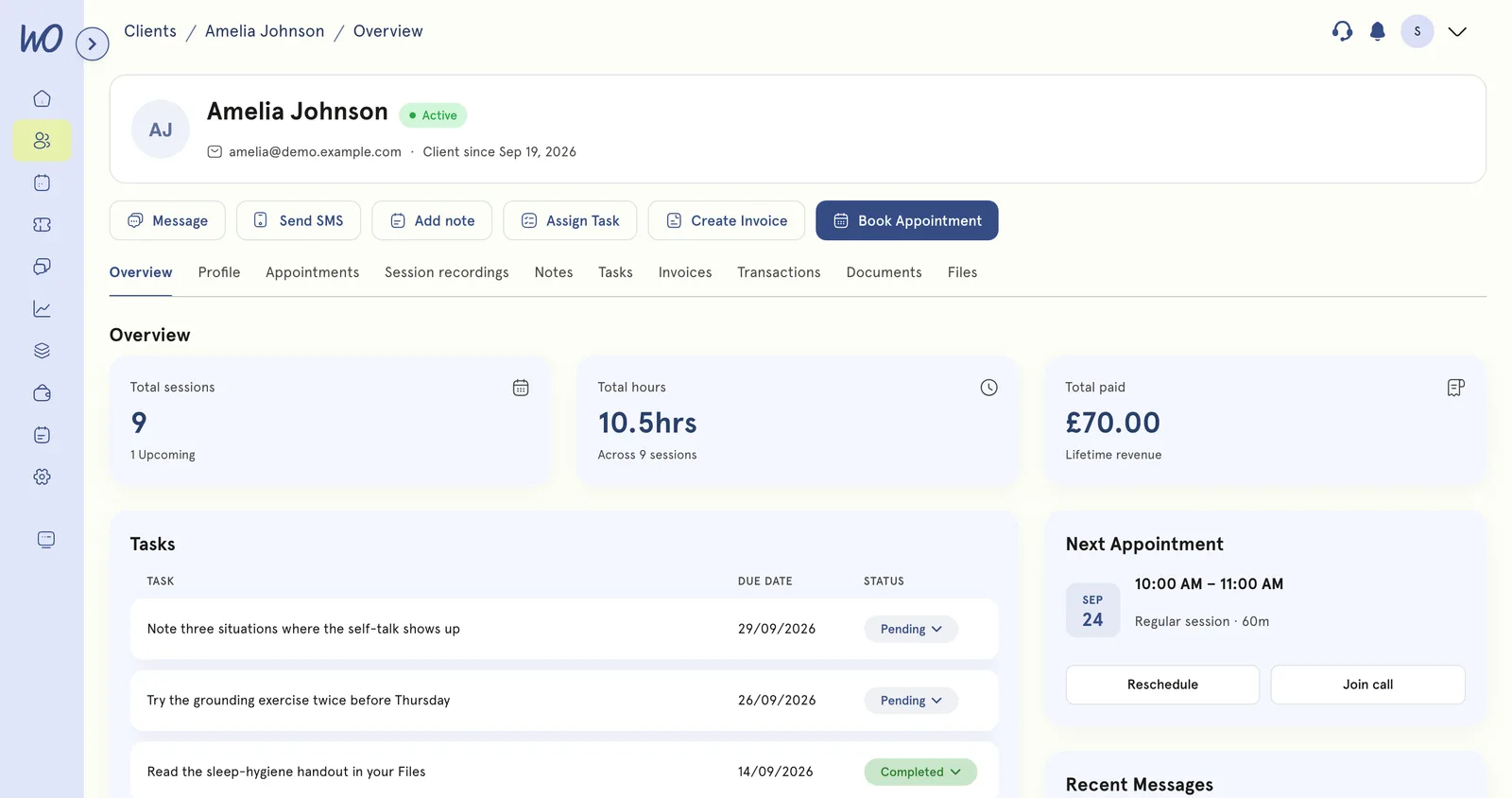
On-call weeks
Protect the weeks you are on call
Connect your Google Calendar and anything marked busy there is kept off your booking page, so a new family can't book over your on-call weeks. Set your own working hours and buffer time between sessions on top.
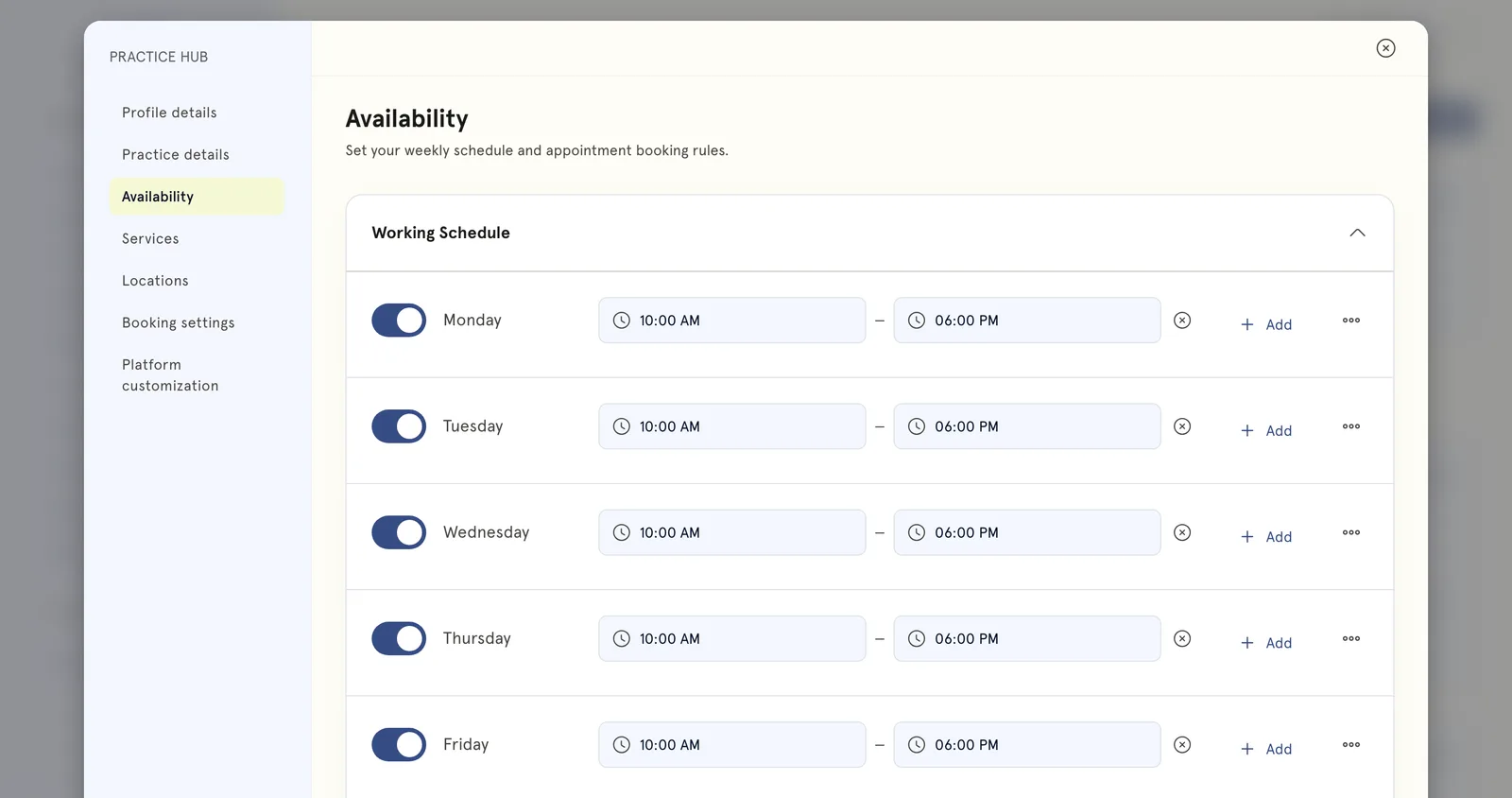
What's in it
Everything your practice needs, nothing it doesn't
Start with just bookings and forms, then add more as you go.
- Online booking: free first chats, antenatal sessions and postnatal visits, booked around your real availability.
- Client profiles: each family's details, forms, notes and messages in one place.
- Forms, contracts and consent: signed online, kept on the client's record and ready before you go on call.
- Reminders: appointment reminders go out on their own.
- Tasks: send a form, a document or a file request, and see who has done it.
- Your own website: a simple, warm site where families can read about you and book, on the Growth and Pro plans.
- Packages: sell a block of postnatal visits as a bundle with an expiry you choose.
- Courses: sell hypnobirthing, antenatal or postnatal courses online with the Courses add-on.
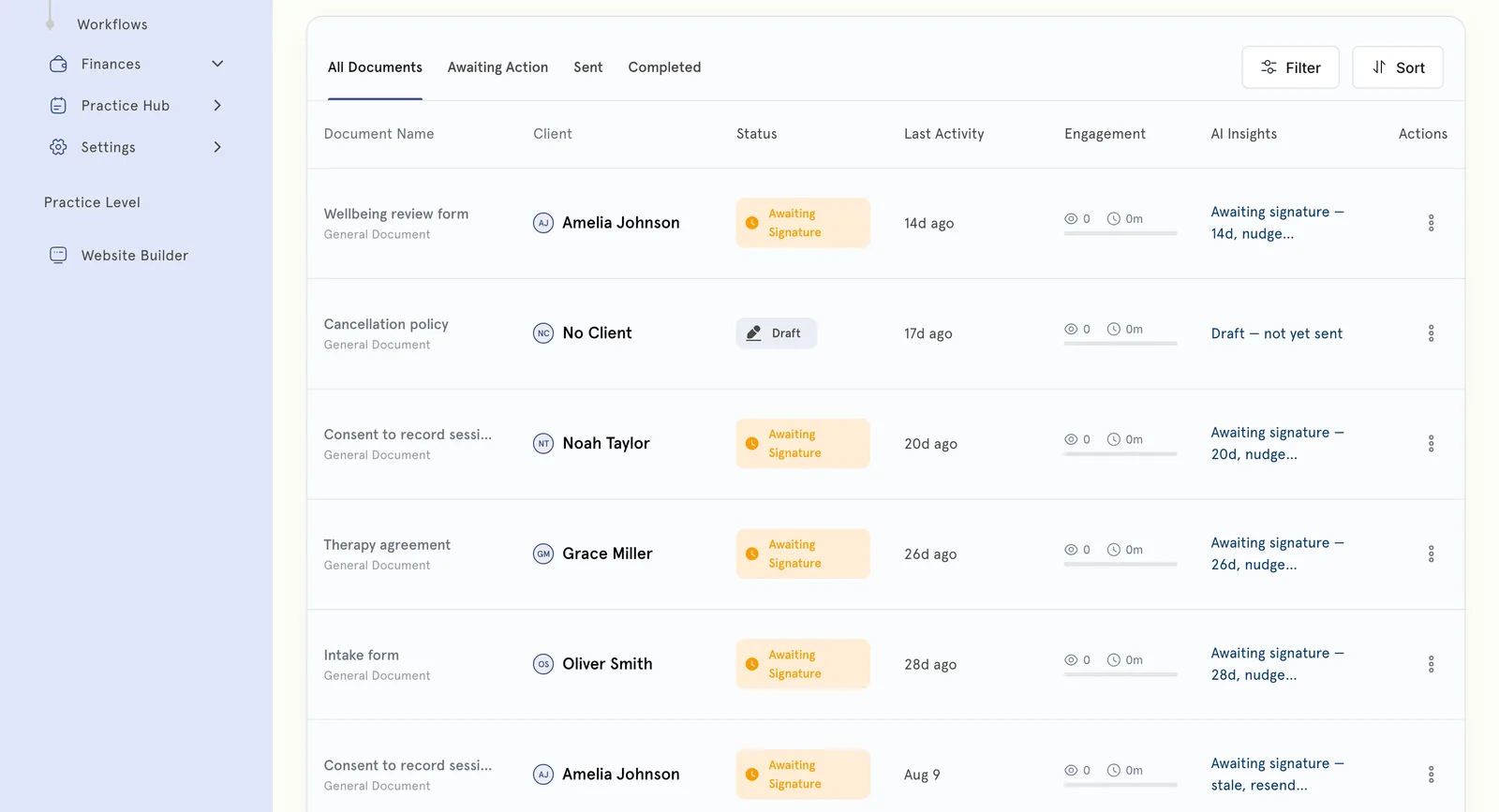
Getting paid
Let the invoice do the asking
Doula work is built on trust, so asking for money can feel like it breaks something. When the terms you agreed with a family raise the invoice themselves, and the family pays by card, nobody has to bring it up.
- Deposits at booking: families secure their place by paying a deposit online.
- The balance, on the date you choose: it is invoiced automatically, for example before you go on call, so you are never chasing it after a birth.
- Card payments through Stripe: families pay online and the money goes to your Stripe account, less a platform fee that depends on your plan.
- Packages your way: sell a block of visits as a bundle with an expiry you choose, or ongoing support as a subscription.
- Synced with your accounts: invoices can sync to your accounting software, so tax time is not a shoebox of receipts.
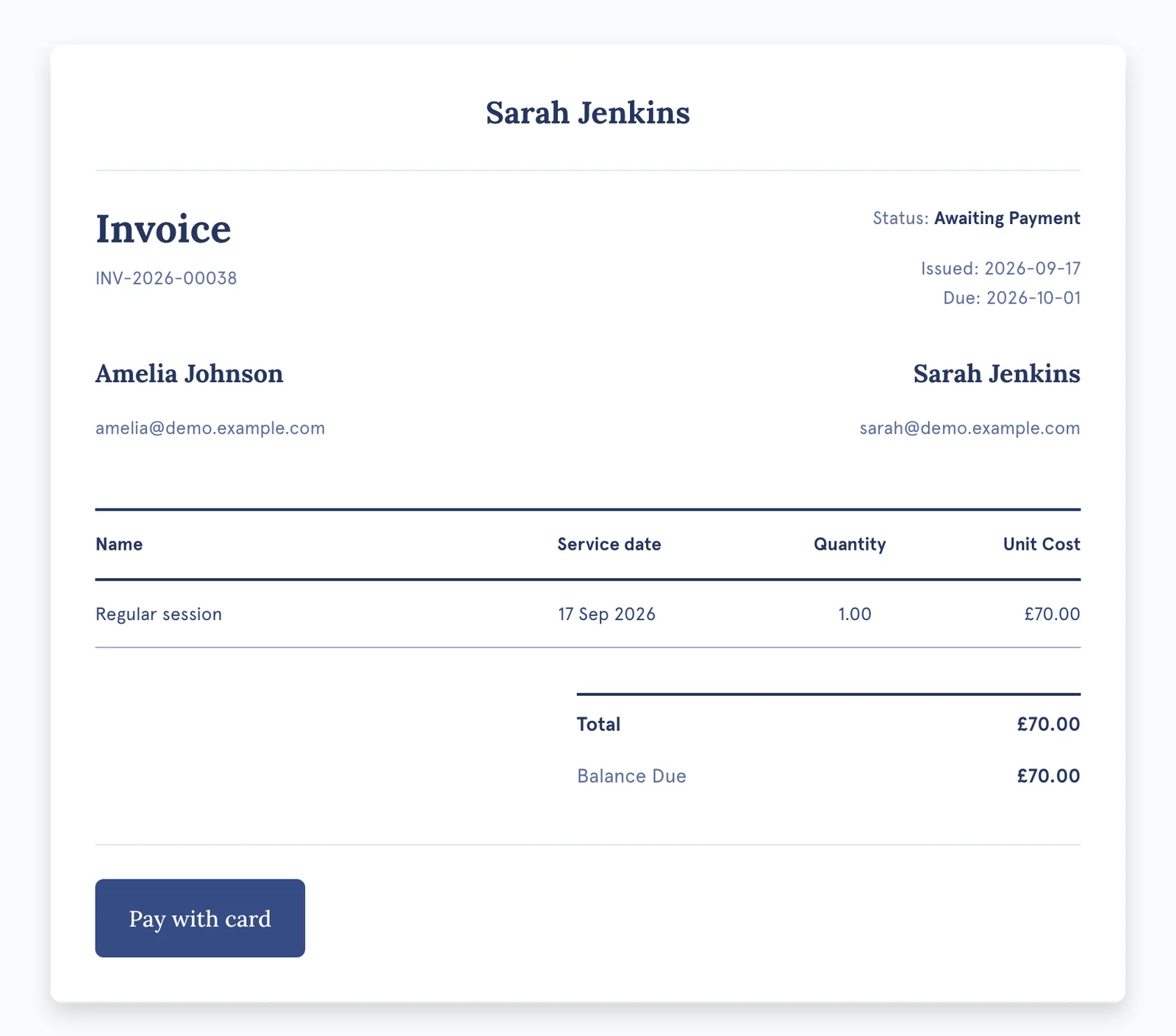
Paperwork
Contracts signed, then paid
Send your agreement before the first visit and have it back signed, with the money following on from it.
- Send your agreement, consent and intake forms from 227 ready-made templates, or write your own.
- Signature reminders go out on their own for anything left unsigned.
- Take a deposit or send a payment request once the document is signed.
- Signed documents sit on the family's profile and in their portal.
After the birth
Postnatal visits and debrief notes, kept together
Everything about a family stays on one profile, from the first chat to the last postnatal visit.
- Book postnatal visits with automatic reminders.
- Keep notes from the debrief on the family's record, written yourself or drafted by AI Notes from a recording made with the family's consent. You review and save the draft.
- Send a check-in form for the family to complete in their portal.

Messages
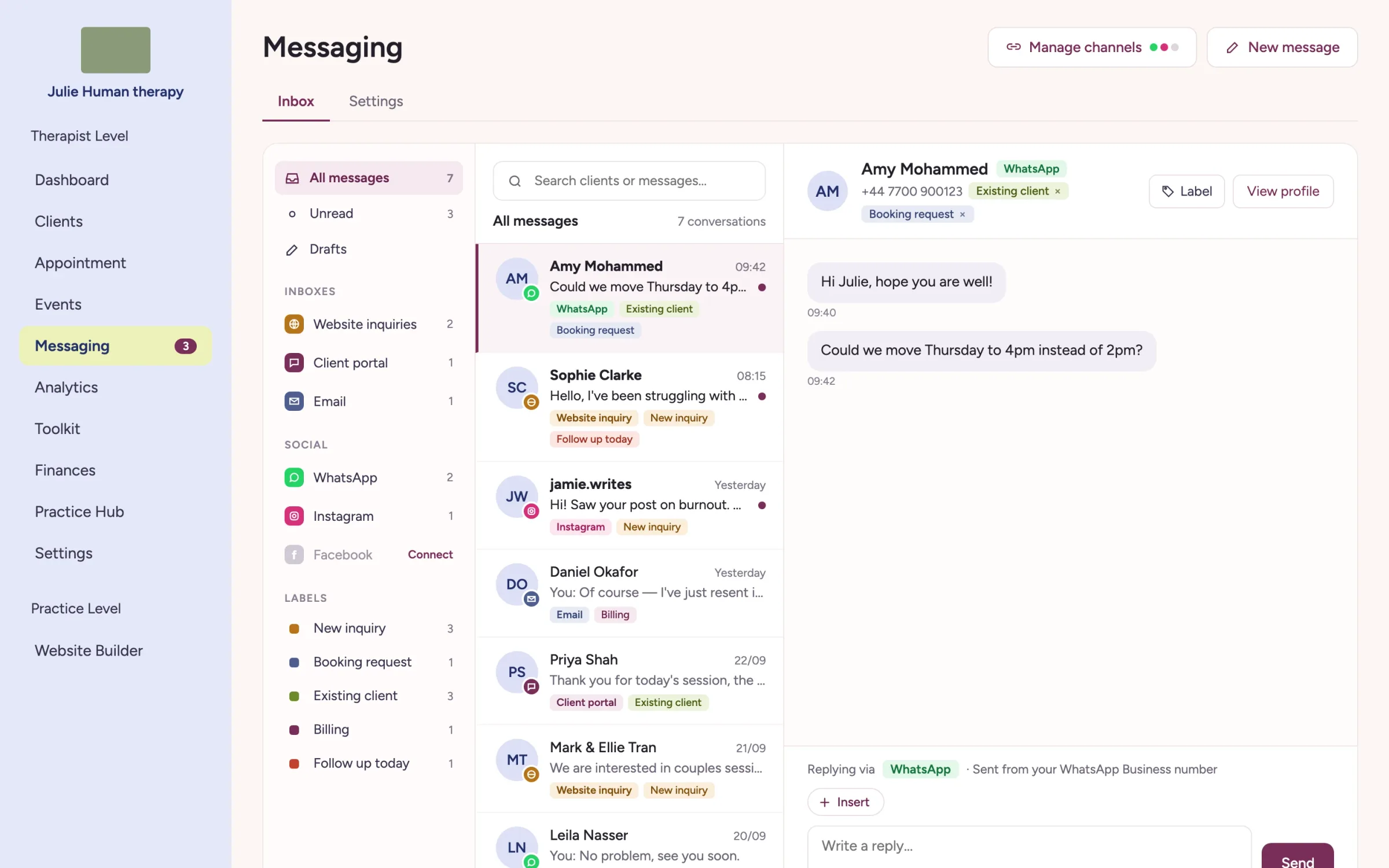
One inbox for WhatsApp, Instagram, Facebook, SMS and email
Families message late and on whichever app they have open. Keep every conversation in one inbox, off your personal phone.
- Every conversation sits against the family, next to their appointments and notes.
- Reply on whichever channel they used, and the answer goes back the same way.
- Set auto-replies once, such as a welcome with your booking link or an out-of-hours note.
If you teach too
Teach hypnobirthing or antenatal classes? Sell them online.
Many doulas also teach hypnobirthing, antenatal or postnatal classes. With the Courses add-on you build a course from video, files, quizzes and live sessions, set its price and sell it, and students whose email matches a client are linked to their record. For an in-person antenatal workshop, the Retreats & Events add-on gives each workshop its own page with ticket tiers, a deposit option and a waitlist.
See how Courses works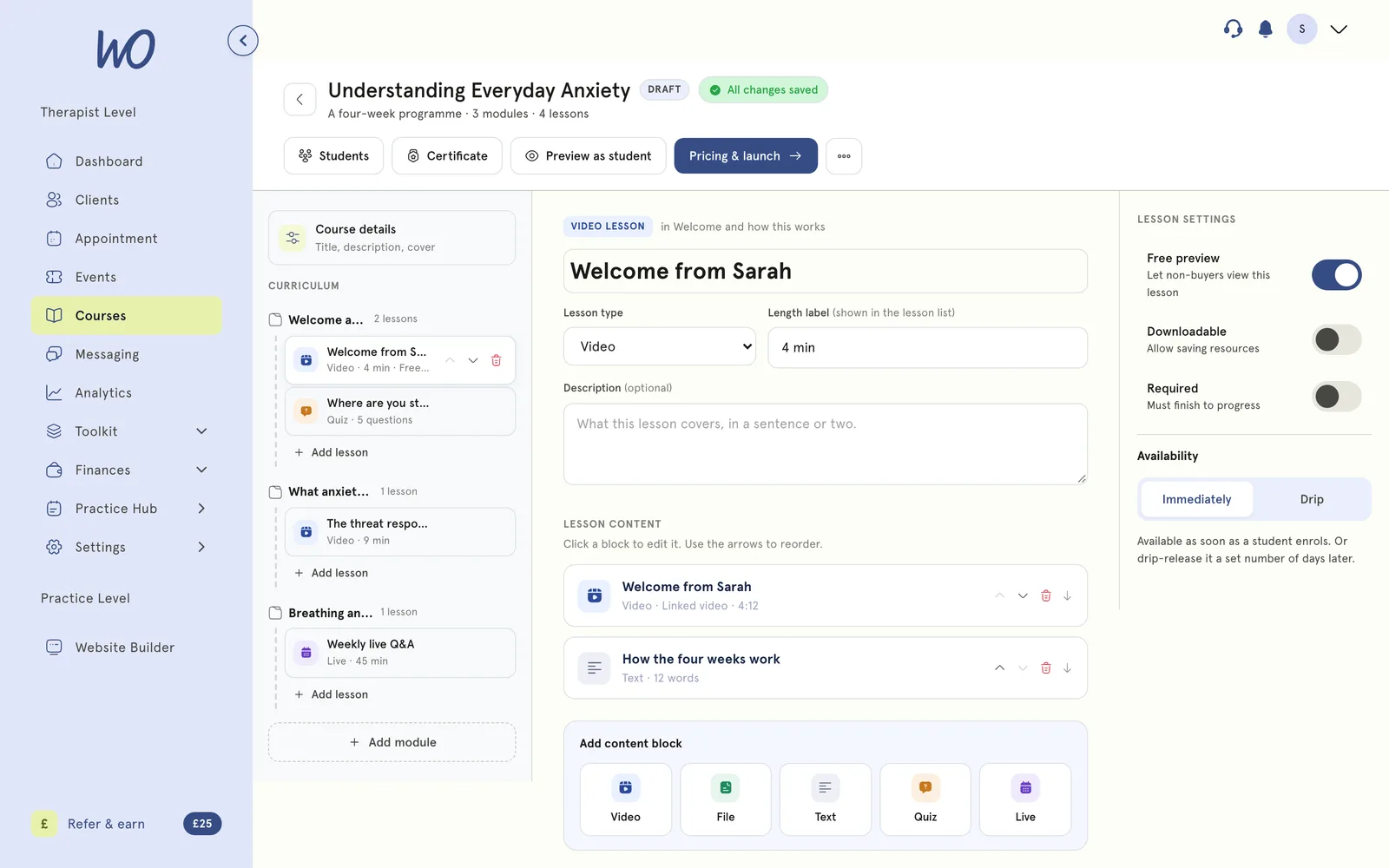
Your first week
Set up with a person, not a manual
Growth and Pro start with a 1-on-1 onboarding call. We set up your services, availability and booking page with you, so the first family who books is booking into a practice that already works.

Frequently asked questions
Can families sign my contract online?
Can I use AI to write up a debrief?
Can I keep my on-call weeks free of bookings?
Can families pay a deposit, then the balance later?
Where do I keep each family's details?
Will it work with my accounting software?
I also teach hypnobirthing. Can I sell that too?
I'm not very techy. Is it hard to set up?
How does the free trial work?
Explore more of MyWellOps
One platform, so the next thing you need is already in it.
- Website BuilderYour practice website, with booking built in
- Booking WidgetAdd online booking to your site with one snippet
- Smart CalendarSet your hours, show live availability
- Retreats & EventsSell places on events and retreats
- TelehealthBuilt-in video sessions, no extra link
- NotesWrite session notes and find any note fast
Spend less time on admin, more time with clients
Start free trial. Your data comes with you if you leave.
Would rather be shown? Book a 20-minute demo
- 7-day free trial, card needed to start
- Free plan available afterwards