
How it works
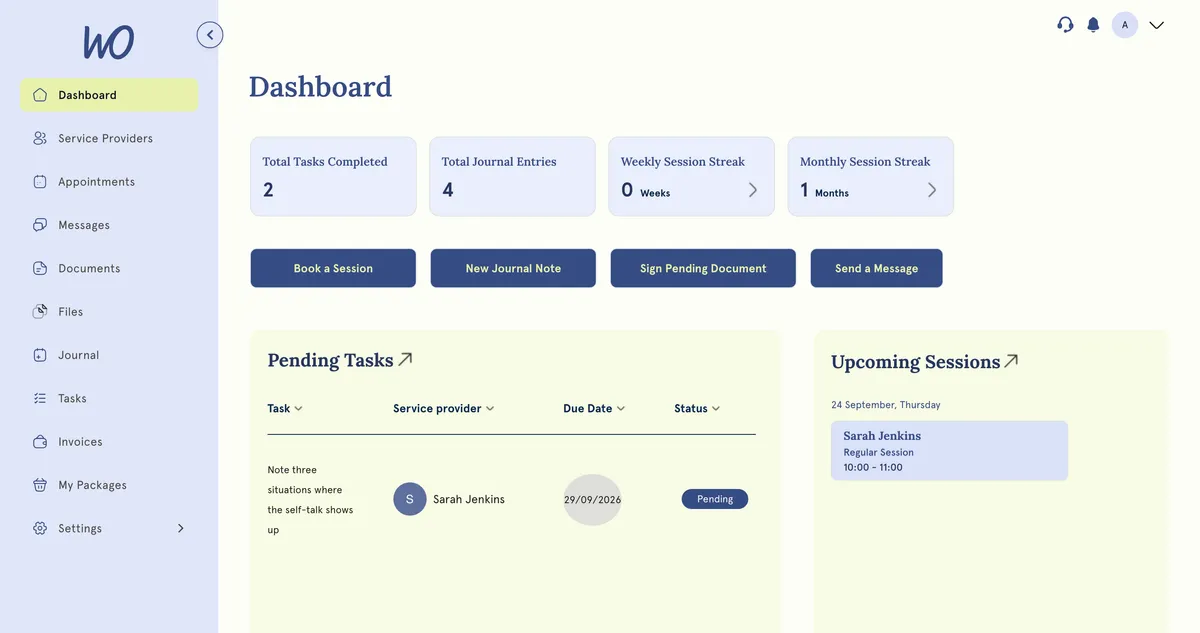
Clients don’t have a password. Each time they sign in, MyWellOps emails them a 6-digit code.
Steps (for the client)
- They open the sign-in page. The Sign in to your portal button in their welcome or invite email takes them there.
- Under Welcome back!, they enter their address in Enter your email and select Send code.
- They’ll see We sent you a 6-digit code. They find the email and enter the code.
- Their portal opens.
Good to know
- Codes last 10 minutes. If one runs out, they request another and use the newest one.
- It works on any device and browser. There’s nothing to install.
- The address they type has to match the one on their profile exactly.
How you can help
- They haven’t accepted their invite yet. Open Clients, choose the Invited filter and select Resend. Invite links last 7 days.
- They’re already a client. There’s no button on your side that sends them a sign-in email. They request a code themselves on the sign-in page.
- The code never arrives. Ask them to check spam, junk and promotions folders, and check the email on their profile for typos.