
Before you start
- Have the full address, including the postcode, for each place you see clients.
Steps
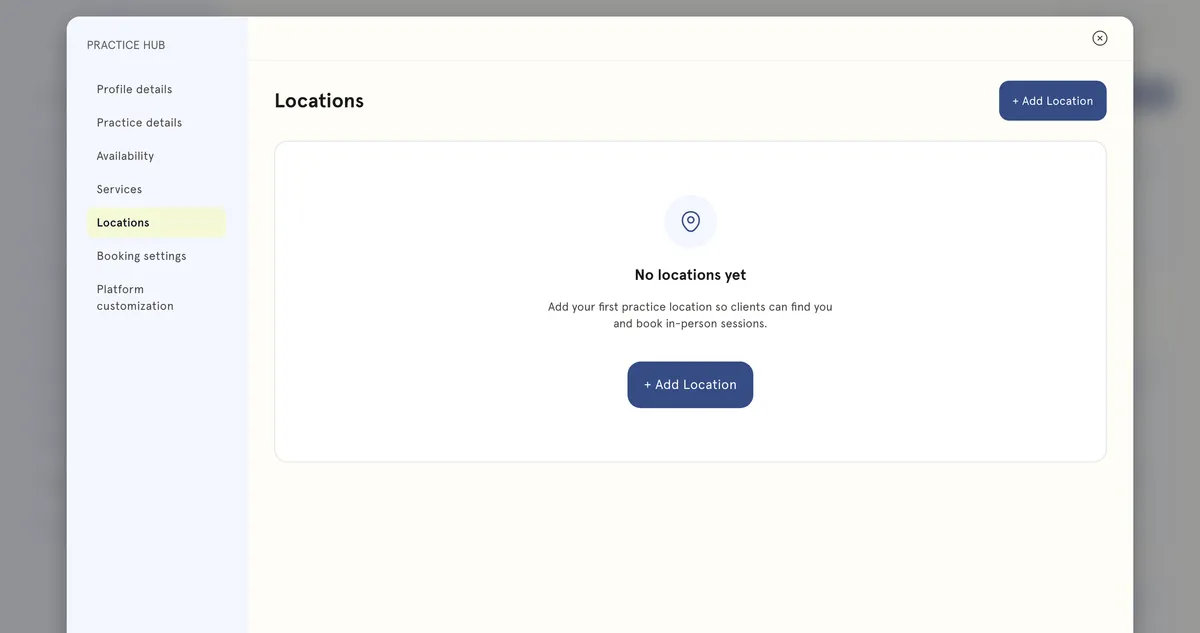
Add a location
- In the sidebar, select Practice Hub, then the Locations tab.
- Add a location and fill in the details:
- Location name — what you’ll call it, for example Downtown Clinic.
- Location type.
- Address line 1, Address line 2, Town/City, County (optional), Postcode and Country.
- Phone.
- Directions — for example Second floor, above the pharmacy.
- Access note — for example “Ring the bell marked Reception; step-free entrance at the rear”.
- Save it.
Offer a service there
- Go to Practice Hub → Services and open the service.
- Under Format & scheduling → Where & how long, tick the location under How you offer this. You can also select Add a location from here.
- Select Update, or Publish for a new service.
Good to know
- Adding a location doesn’t make it bookable by itself. It has to be chosen on each service you offer there.
- A service can be offered Online as well as in person.
- Your working hours apply across all locations. Set them for the days you’re actually available.