
Before you start
- Travel settings only appear on services offered At the client’s address.
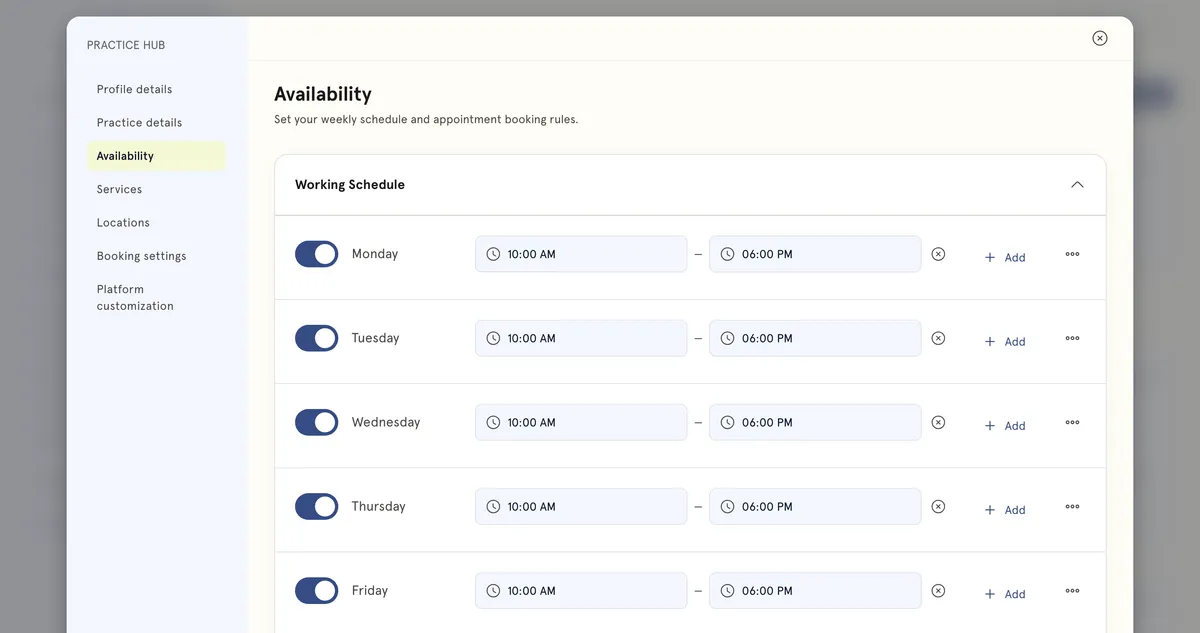
- Set your working hours first in Practice Hub → Availability.
Steps
Travel time and distance
- Go to Practice Hub → Services, then create or edit a service.
- Under Format & scheduling → Where & how long, tick At the client’s address under How you offer this. The travel settings appear.
- Under Base / starting location, pick where you travel from, or select Add new location. Left empty, your practice address is used.
- Set Maximum distance in km. Use the slider, the − and + buttons, or a Common ranges chip (5, 10, 25 or 50 km). It starts at 25 km and the slider runs to 100 km. Underneath it says clients outside the radius can’t book.
- Set Travel before and Travel after. On this format they replace the buffer fields, and the note calls them commute and travel time between appointments.
- Select Publish, or Update for a published service.
Daily limit
- Go to Practice Hub → Availability.
- Under Appointment Settings, enter a number in Daily capacity.
- Select Save changes.
What happens next
- Clients booking this service enter their address during booking. It’s added to the appointment automatically — the editor says so under Client address.
- Travel time is blocked out before and after each appointment, so nothing can be booked into it. It shows on your calendar as Travel time.
- If a client’s address is outside your maximum distance, they’re told and can’t book. If the app can’t find either address, the booking goes ahead.
- When a day reaches your daily capacity, no more times are offered for that day.
Good to know
- You can’t charge for travel time. The service’s Pricing section has no travel fee.
- Daily capacity counts every appointment that isn’t cancelled, including ones you add yourself.
- Daily capacity can’t go above what fits in your hours with your shortest service and buffer. The page tells you the maximum.
- Leave Daily capacity empty for no daily limit. New accounts start with a limit of 10.
Setting a realistic daily capacity. Count what you can sustain, not what fits. Eight working hours with 60-minute sessions and 15-minute buffers is about six or seven sessions, and fewer if you’re travelling between them.